Approve once. Roll out to everyone.
Dockli is built to be trivial to deploy and impossible to lose sleep over. One admin-consent link, a per-user install with no admin rights, and silent updates that keep every seat current on their own.
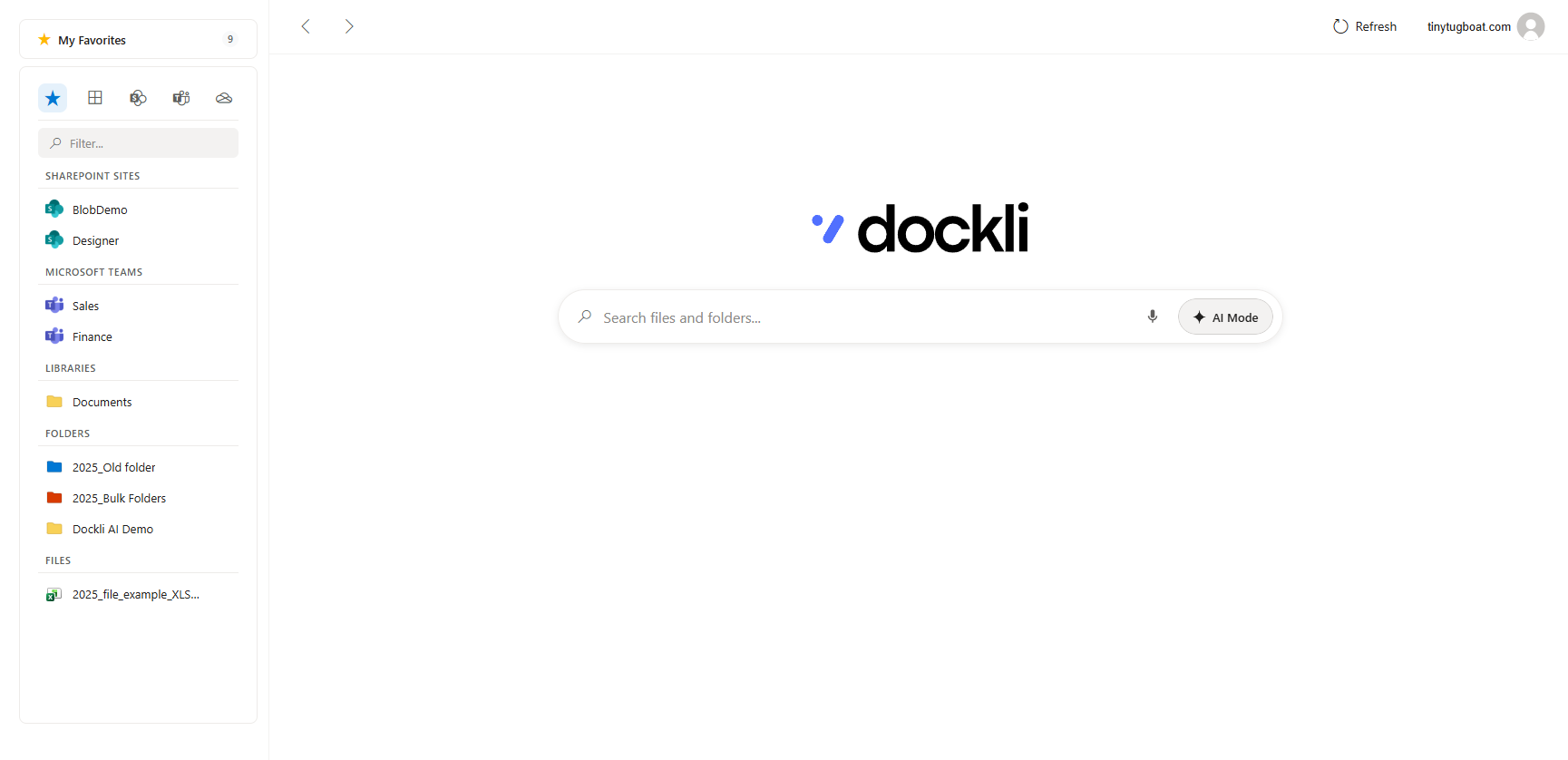
Roll out in 3 steps.
- 1
Approve for the tenant
A Global Admin opens the emailed consent link in any browser and approves Dockli’s Graph permissions once, for everyone.
- 2
Users install
Deploy the per-user installer through your tooling, or let users run it themselves — no admin rights required.
- 3
Everyone signs in
Users sign in with MSAL and the Windows broker — no consent prompt — and their Microsoft 365 files appear in File Explorer.
Everything IT needs, nothing it dreads.
Tenant-wide admin consent by email
Send a single admin-consent link. A Global Administrator opens it in any browser, reviews Dockli’s Graph permissions, and approves for the entire tenant. From then on, users sign in with no consent prompts at all.
Per-user install — no admin rights
Dockli installs per-user and needs no local admin privileges. Users can run the installer themselves, or you can push it through your existing deployment tooling.
Silent auto-updates
Updates ship silently in the background via Velopack. There are no MSI upgrade rings to babysit and no user prompts — everyone stays current automatically.
Seat-based licensing you control
License by seat and assign as your team grows. Buy directly per seat with the Dockli team on a purchase order.
Let’s get Dockli into your tenant.
Book a demo and we’ll walk through consent, rollout and licensing for your environment.