A whole Microsoft 365 workspace, docked into Windows.
Dockli puts SharePoint, Teams, OneDrive and Hub Sites where people already work — File Explorer — and layers on the tools that used to mean a browser trip. Here’s everything it does.
SharePoint, Teams, OneDrive & Hub Sites — in the nav pane.
Dockli hosts a Shell namespace extension inside Windows File Explorer, so all of your Microsoft 365 workloads appear right beside This PC. Browse SharePoint document libraries, Teams channels, personal OneDrive and Hub Sites without a single browser tab. It’s the Explorer you already know — with everything docked in.
- Native nav-pane entries for every workload
- No OneDrive sync bloat or duplicate folders
- WebView2 + React UI that feels like Windows
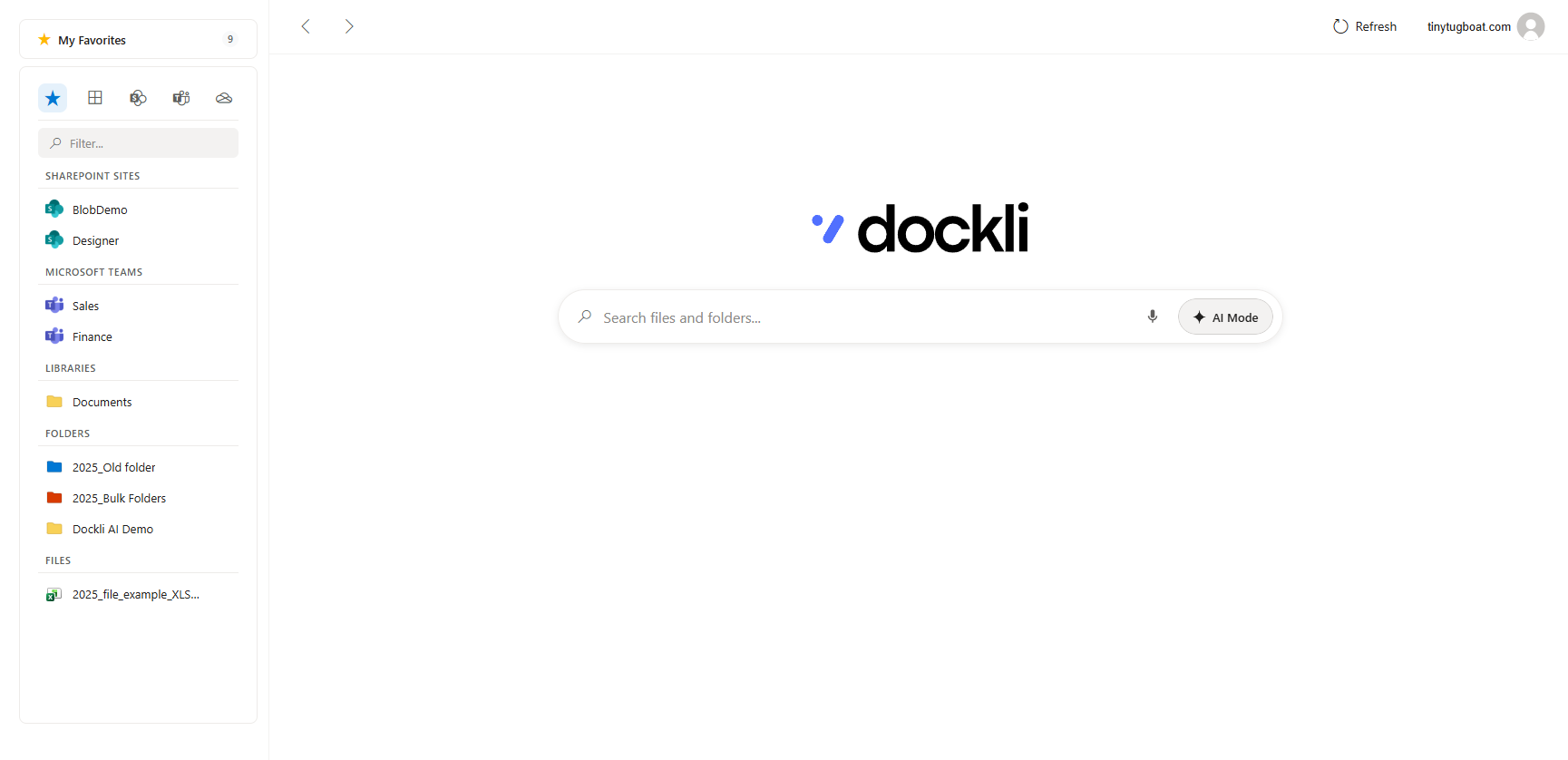
Every prior version, one click to restore.
Overwrote the good draft? Open the file’s history straight from Explorer, preview any earlier version, and restore it instantly — no scavenger hunt through the SharePoint web UI. The full version trail lives where the file does.
- View the complete version trail inline
- Restore any prior version in a click
- See who changed what, and when
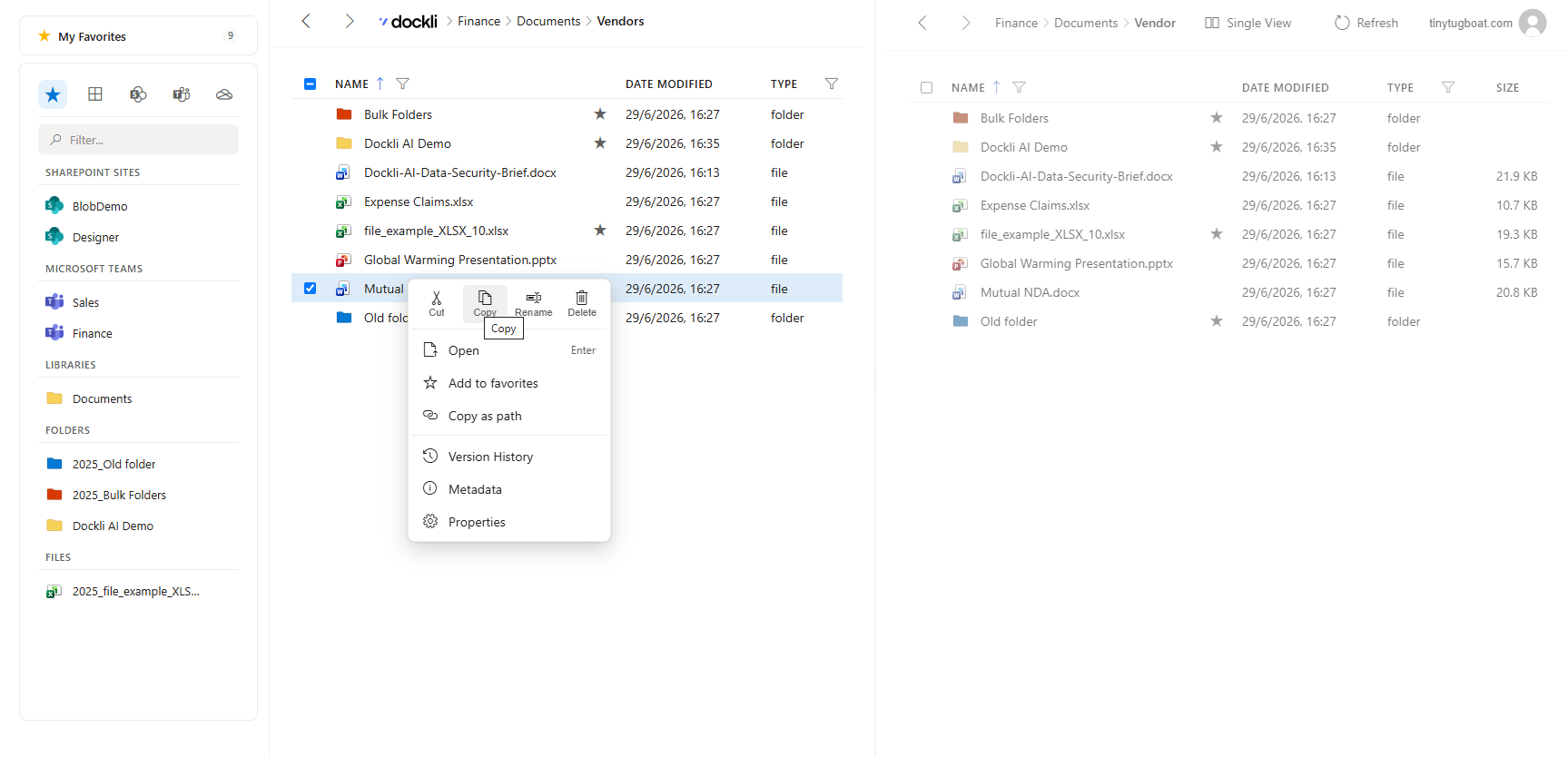
Edit columns and properties inline — no round-trip.
Dockli surfaces SharePoint metadata and managed columns right in the details view. Update statuses, categories, choice fields and text columns in place, without leaving Explorer or waiting on a browser to load. Your library’s structure comes with you.
- Inline SharePoint column & property editing
- Choice, text and managed-metadata fields
- Changes write straight back to the library
Edit inline — writes straight back to SharePoint.
Favorites, folder colors, recycle bin & cross-site copy.
Pin the sites and folders you live in, colour-code them for speed, and restore accidental deletes from the recycle bin. Need to move a file from one SharePoint site to another? Copy and move across sites directly — no download-then-reupload dance.
- Favorites and colour-coded folders
- Recycle bin — restore deletes in place
- Cross-site copy & move between SharePoint sites
Favorites
Folder colors
Recycle bin
Cross-site copy
The full toolkit, docked into Explorer.
Every capability links straight to its step-by-step guide in the docs.
Unified Microsoft 365 tree
Hub Sites, SharePoint, Teams and OneDrive in one File Explorer nav entry.
Split View
A dual-pane commander — browse and drag between two locations at once.
Version history & restore
View the full version trail and restore any prior version in a click.
Inline metadata editing
Edit SharePoint columns — text, choice, date, people and more — in place.
Favorites
Pin the sites, folders and files you live in for one-click access.
Folder colors
Colour-code folders with 16 shades so the important ones stand out.
Recycle bin
Restore accidental deletes without a trip to the SharePoint web UI.
Cross-site & cross-tenant copy
Move and copy files across sites — and across tenants — with live progress.
Drag & drop
Drag between panes, out to Windows, or drop local files in to upload.
Create, rename & delete
Full file operations with conflict handling, right where you work.
Federated search
One search across this PC and all of Microsoft 365.
Multiple accounts
Add and switch between accounts and tenants, Teams-style.
Open in Office or browser
Files open straight into the Office desktop app or your browser.
Silent auto-updates
Always current — updates land quietly in the background.
Light & dark theme
Follows your Windows theme automatically.
Ask Dockli AI
A built-in assistant scoped to your files — on the Spark plan.
And an assistant that already knows your files.
Chat, dictate, search in plain language and diff documents — all scoped to what you can already access in Microsoft 365.
Explore Ask Dockli AI →See it in your own Explorer.
Per-user install · no admin rights · 1-month free trial.